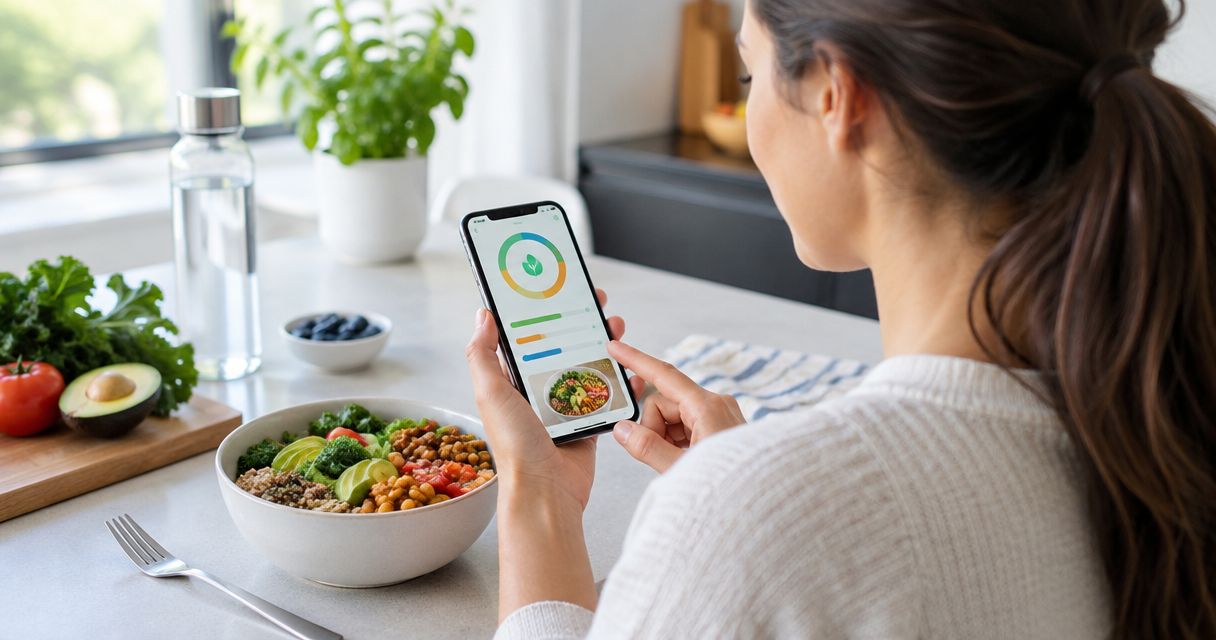
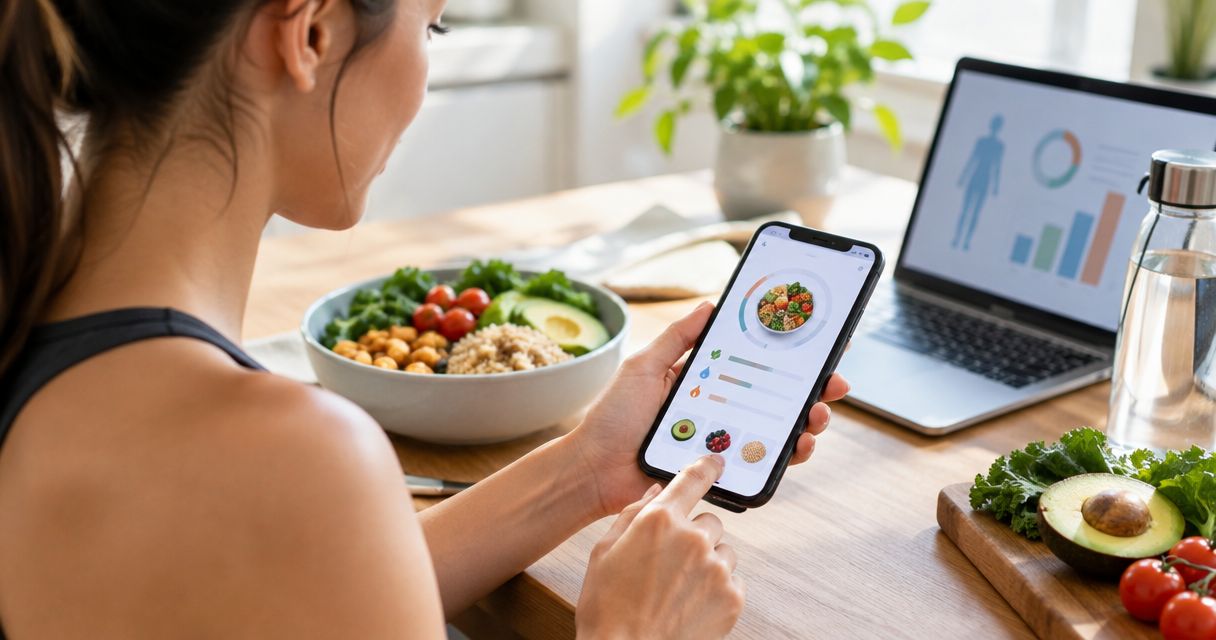
Best overall for photo-first logging: Ashfuel. Best dedicated photo-tracking alternative: Cal AI. Best for detailed nutrient tracking: Cronometer. Best for a database-first workflow: MyFitnessPal. This 2026 guide compares meal logging, practical limitations, and who each approach suits.
- Ashfuel is the best AI calorie tracker here for photo-first logging with water and weight tracking.
- Cal AI belongs on your shortlist when you want a dedicated food-photo tracking app.
- Choose Cronometer for nutrient detail or MyFitnessPal for a database-first food diary.
- Food-photo calorie and macro estimates need a portion check, especially for oils, sauces, and mixed meals.
Why this matters
The best tracker is not the one that gives you the most confident-looking number. It is the one that helps you record what you ate without treating an estimate as a measurement.
A photo makes logging easier, but it cannot reveal every ingredient. A shiny coating might be oil, sauce, or moisture. Two bowls that look alike can contain different amounts of food. Your app choice should match how you eat and how much checking you want to do.
For this 2026 shortlist, start with a simple distinction: Do you want a quick meal estimate, or do you want to enter ingredients and inspect the details? Neither approach removes uncertainty. They put the work in different places.
What makes the best AI calorie tracker?
Use these criteria before choosing an app. A long feature list does not tell you whether logging lunch will feel manageable.
- Logging effort: Photographing a plate and searching for each ingredient are different routines. Choose the one you will actually use.
- Portion visibility: Food recognition is only part of the job. The amount eaten matters just as much.
- Macro usefulness: Calories, protein, carbohydrate, and fat should help you understand a meal, not turn eating into a score.
- Nutrient depth: Decide whether you need a broad macro estimate or a closer look at vitamins and minerals.
- Tracking scope: Water and weight tracking matter if you want those records alongside your meals.
- Honest limits: A useful tracker makes room for uncertainty. A precise-looking total is not proof of accuracy.
Best calorie tracker apps at a glance
These recommendations separate distinct needs rather than declaring every app best for the same person. Check current feature descriptions before committing; this is a workflow comparison, not a claim that every feature is identical across platforms.
| App | Best for | Standout feature or approach | Key limitation |
|---|---|---|---|
| Ashfuel | Photo-first logging with water and weight records | Meal photos produce estimated calories and macros | A photo cannot establish exact portions or hidden ingredients |
| Cal AI | A dedicated photo-tracking alternative | Food-photo calorie estimation | Photo estimates still depend on interpreting food and quantity |
| Cronometer | Detailed nutrient tracking | Food records that include micronutrient detail | Ingredient-level logging requires more input than photographing a plate |
| MyFitnessPal | A database-first food diary | Searching food entries to build a meal record | Choosing the right entry and serving size still takes attention |
The distinction matters more than the ranking. If your main obstacle is entering meals, start with photo logging. If your main question concerns individual nutrients, start with a detailed food diary.
1. Ashfuel: best calorie tracker for photo-first logging
Ashfuel is a web and mobile app that turns meal photos into estimated calorie and macro breakdowns. It also includes water and weight tracking, bringing those records into the same tracking routine.
Ashfuel is best for people who want photo-based calorie estimates alongside water and weight tracking. Snap your plate, then treat the result as a starting point rather than an exact account of everything you ate.
Pros
- Photograph a meal instead of building every entry ingredient by ingredient.
- Get estimated calories and macros from the meal photo.
- Keep water and weight records alongside meal tracking.
- Use an app built around individual weight and wellness goals.
Cons
- A meal photo cannot show the amount of oil absorbed during cooking.
- Overlapping foods and hidden ingredients make a visual estimate harder to interpret.
- Photo estimates do not replace weighed ingredients when a precise recipe record is needed.
Best for: You want less entry work and a broad picture of your meals, hydration, and weight records.
Before relying on any estimate, look at the plate again. Does the portion seem plausible? Did the meal include a dressing, drink, or side that was not visible? These checks matter more than whether the total looks impressively specific.
For a photo-first routine in 2026, start here if those needs match yours. Verdict: Buy into this workflow for easier meal logging, not exact food measurement.
2. Cal AI: best calorie tracker for a photo-focused alternative
Cal AI is another option for estimating calories from food photos. It belongs on the shortlist when photographing meals is the central feature you want to compare.
The useful comparison is not which app produces the more appealing total. It is whether the logging process helps you capture a meal and understand the estimate without overlooking portions or ingredients.
Cal AI pros
- Offers a photo-based approach to food logging.
- Fits a routine centered on photographing meals.
- Provides an alternative to entering every visible food separately.
Cal AI cons
- A photograph does not establish an ingredient's weight.
- Hidden cooking fats and sauces remain a limitation of the method.
- A photo estimate is not a substitute for a recipe built from measured ingredients.
Best for: You specifically want to compare dedicated food-photo tracking workflows before choosing one.
Use a familiar meal when evaluating the approach. A dish you prepare yourself gives you context about its ingredients, even if you do not know its exact calorie content. An unfamiliar restaurant meal gives you less information for checking the result.
Do not mistake a comparison between two estimates for an accuracy test. Agreement does not prove either total is correct. Verdict: Buy into Cal AI's approach if a dedicated photo workflow matches your needs; skip photo-only logging when exact ingredient records are essential.
3. Cronometer: best calorie tracker for nutrient detail
Cronometer is a food diary with calorie, macro, and micronutrient tracking. It suits readers whose questions extend beyond the estimated energy in a plate of food.
This is a different priority from quick photo logging. You select foods and quantities to build a record, making the quality of those selections part of the result.
Cronometer pros
- Tracks vitamins and minerals alongside calories and macros.
- Supports a closer look at the foods contributing to your nutrient totals.
- Fits an ingredient-level approach to recording meals.
Cronometer cons
- Detailed food entry takes attention to ingredients and serving sizes.
- Selecting a similar-looking food does not guarantee a match to your recipe.
- More nutrient fields do not remove uncertainty from an incomplete food record.
Best for: You want to inspect nutrient intake rather than stop at a meal-level calorie estimate.
A detailed diary is useful only when its entries reflect what you ate. Check whether an entry describes raw or cooked food, and make sure the serving unit matches your measurement. Those distinctions can matter more than the number of nutrients displayed.
Cronometer is an alternative workflow in this guide, not a claim that it offers the same photo experience as the dedicated photo options. Verdict: Buy into Cronometer for nutrient detail; skip it if ingredient entry is the reason you stop logging.
4. MyFitnessPal: best calorie tracker for database-first logging
MyFitnessPal lets you build a food diary by searching for foods and recording servings. It suits people who prefer selecting a recognizable entry over asking an app to interpret the whole plate.
That approach gives you a direct role in choosing what gets recorded. It also makes entry selection and portion checking your responsibility.
MyFitnessPal pros
- Supports a searchable food-diary workflow.
- Lets you record foods individually rather than rely on one plate estimate.
- Fits meals you can describe as separate foods and servings.
MyFitnessPal cons
- Searching and selecting entries adds work to each meal.
- A matching food name does not establish a matching recipe.
- An incorrect serving size still produces an incorrect meal total.
Best for: You are comfortable searching for foods and checking quantities as you build your diary.
For packaged food, compare the chosen entry with the label in your hand. For homemade meals, avoid assuming a generic dish matches your ingredients. A food database is a starting point, not a direct measurement of dinner.
Include MyFitnessPal on your 2026 shortlist if database logging already feels natural. Verdict: Buy into MyFitnessPal for a search-first diary; skip this workflow if repeated food searches are your main frustration.
How the ranking works
This ranking prioritizes the job each app serves: quick meal estimates, a dedicated photo alternative, nutrient detail, or database entry. It does not assign accuracy scores or claim a controlled head-to-head test.
The default recommendation favors the stated need for photo-based calorie tracking. The alternatives serve readers who want a different logging routine or more nutrient detail. Choose by the work you want help with, not by a promise of perfect numbers.
How to check a food-photo estimate
A quick review makes a photo log more useful. Use this sequence before treating a result as a reasonable record of your meal.
- Show the meal. Keep the foods you want recorded visible. A covered bowl or stacked plate hides information.
- Check portions. Compare the estimated amount with what you actually served. Food recognition alone does not settle quantity.
- Remember extras. Account for drinks, dressings, oils, and sides that do not appear clearly in the photo.
- Review the result. Ask whether the food description and overall amount make sense together.
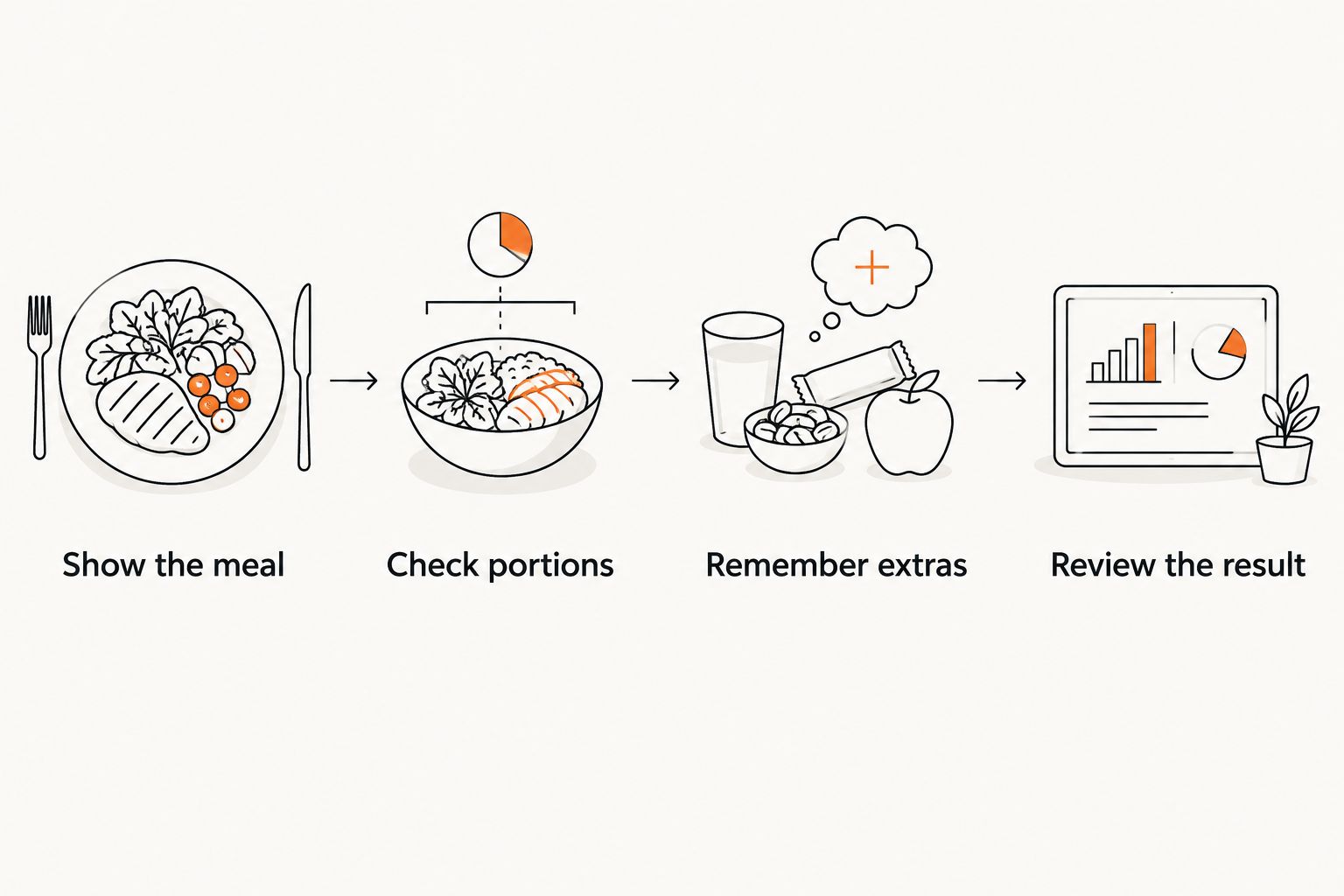
These checks apply to any photo tracker you use in 2026. They are not a way to make a photograph reveal hidden information. When the recipe matters, use the recipe rather than guessing from its appearance.
Why small ingredient differences matter
Protein and carbohydrate each provide about 4 kcal per gram. Fat provides about 9 kcal per gram. Those standard energy factors explain why an unseen amount of oil can change a meal's energy estimate without changing its appearance much.
They do not let you calculate an unknown portion from a photo. They explain why checking ingredients is useful—and why a confident-looking total still needs context.
Which calorie tracker should you choose?
Choose Ashfuel as the default for photo-first meal estimates with water and weight tracking. Choose Cal AI when you want another dedicated photo workflow to compare. Choose Cronometer for nutrient detail, or MyFitnessPal when searching and selecting foods suits you better.
For your 2026 decision, write down the task that usually stops you: photographing, searching, checking portions, or recording ingredients. Pick the workflow that makes that task manageable without hiding its limits.
Tracking is information, not a grade. If logging creates guilt or distress, step back and discuss a more suitable approach with a qualified health professional. These tools provide estimates, not medical advice.
FAQ
What's the best AI calorie tracker for quick meal logging?
Ashfuel is the default recommendation here for photo-based calorie and macro estimates with water and weight tracking. Choose it when reducing food-entry work matters more than building a detailed ingredient record.
Are food-photo calorie estimates exact?
No. A food photo cannot establish exact ingredient weights, hidden oils, or everything inside a mixed dish. Treat the result as an estimate and check the portion and visible foods.
Is Cal AI better than a manual food diary?
Cal AI suits a photo-first workflow; a manual food diary suits ingredient-by-ingredient recording. The better choice depends on whether you want less entry work or more direct control over food and quantity selection.
Should I choose Cronometer or MyFitnessPal?
Choose Cronometer when detailed nutrient tracking is your priority, and MyFitnessPal when a database-first food diary matches your routine. Both approaches still require attention to food selection and serving size.
Can a calorie tracker tell how much cooking oil is in my meal?
A photograph alone cannot establish how much cooking oil is in a meal. Use recipe information or measured ingredients when that amount matters to your record.
Can I use a photo calorie tracker for medical nutrition advice?
A photo calorie tracker does not replace individualized medical nutrition advice. If you need condition-specific guidance, work with a qualified clinician or registered dietitian rather than relying on photo estimates.
One last thing
Photograph the meal before you start eating. An unfinished plate adds another uncertainty: what was there before the photo. Then record what you actually ate, including anything you left behind.
The goal is a useful record, not a perfect score. Snap your plate. Check the estimate. Leave room for real life.