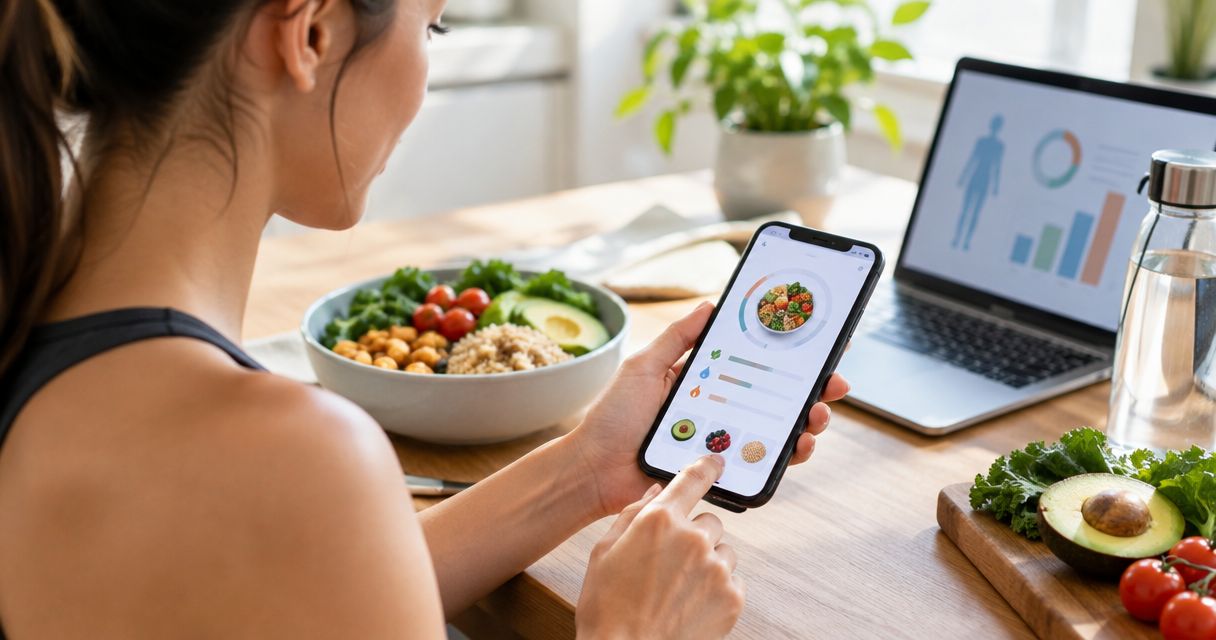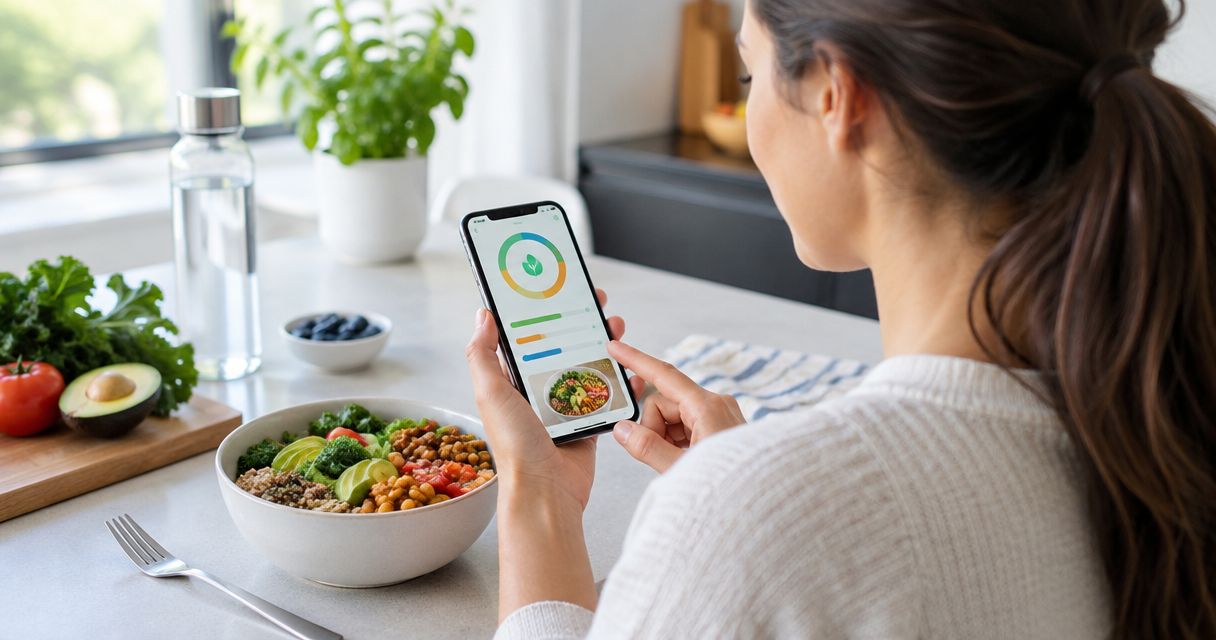

Best overall for quick photo logging: Ashfuel. Best for detailed nutrient tracking: Cronometer. Best for familiar food-diary logging: MyFitnessPal. Best for a goal-focused diary: Lose It! This 2026 guide helps you choose the best free calorie counter app for how you actually eat and log meals.
- Ashfuel is the best free calorie counter app for people who want photo-based calorie and macro estimates.
- Choose Cronometer when nutrient detail matters more than a quick meal photo.
- Choose MyFitnessPal for a conventional food diary or Lose It! for goal-focused logging.
- Free access does not mean every feature is included. Check the logging method you need before committing.
- Food-photo results are estimates. Check portions, cooking oils, sauces, and drinks before trusting the total.
Why this matters
A calorie counter only helps when you can keep using it without turning meals into homework. The right app fits your routine. It should also make clear what its numbers mean.
Photo logging and manual food diaries solve different problems. A photo removes some typing, while a manual diary gives you more direct control over the foods and quantities you enter. Neither method makes a guessed portion exact.
For this 2026 shortlist, choose by the task you need done—not by the longest feature list. You do not need every nutrition feature to build a useful record of your meals.
What makes the best free calorie counter app?
Use these criteria before choosing an app:
- Useful free logging: You should be able to try the core food-recording method without committing to payment.
- Low daily effort: A quick photo and a detailed ingredient entry require different amounts of attention. Pick the effort you can repeat.
- Portion control: The app should support a workflow that helps you check how much you ate, rather than treating food identification as the whole job.
- Relevant nutrition detail: Calories and macros answer different questions from vitamin and mineral tracking. Choose the detail you need.
- Clear limitations: An estimate should read like an estimate. Hidden ingredients and uncertain portions deserve a second look.
- A comfortable routine: Tracking should support your goals, not make you feel guilty about an incomplete day.
In 2026, a free app is not automatically the right app just because you can open an account. Check whether its free workflow handles your usual breakfast, lunch, dinner, and snacks comfortably.
Free calorie counter apps at a glance
| App | Best for | Standout approach | Key limitation |
|---|---|---|---|
| Ashfuel | Quick photo-based logging | Meal photos produce estimated calories and macros, alongside water and weight tracking | A photo cannot establish exact portions or reveal every ingredient |
| Cronometer | Nutrient detail | Food logging with detailed macro and micronutrient information | Detailed entries require attention to food selection and quantity |
| MyFitnessPal | Familiar food-diary logging | Search foods and build a conventional daily food record | Similar food entries still need checking against what you ate |
| Lose It! | Goal-focused logging | A calorie diary organized around a personal goal | A daily calorie target does not describe overall diet quality |
These are different starting points, not interchangeable promises. Check each app's current free feature list in 2026 before depending on a particular input method or report.
1. Ashfuel: best free calorie counter app for meal photos
Ashfuel turns a meal photo into an instant estimated calorie and macro breakdown. It also includes water and weight tracking, so your meal record does not have to sit apart from those everyday habits.
The strongest reason to choose it is simple: you want to photograph your plate rather than begin with a long food search. Its stated free allowance is 3 food-photo scans a day, with no card, no long sign-up quiz, and no app store download needed to try that workflow.
Best for: People who want a quick photo-first starting point for weight and wellness tracking.
Ashfuel pros:
- Photo-based entry reduces the need to type out a meal before getting an estimate.
- The result includes both calories and macros, rather than a calorie figure alone.
- Water and weight tracking sit alongside meal tracking.
- The free photo allowance gives you a concrete way to try the central feature.
Ashfuel cons:
- A photo does not reveal exactly how much oil, butter, or dressing went into a dish.
- Portion estimates still need your judgment, especially with layered or mixed meals.
- A daily scan allowance needs to fit your routine if you want to photograph multiple meals and snacks.
This is a strong match when the main barrier is starting a log at all. It is not a substitute for a recipe calculation when you need to account for individual ingredients and amounts.
Verdict: Buy into the photo-first approach if typing is what stops you from logging; skip it if you need exact ingredient accounting.
2. Cronometer: best free calorie counter app for nutrient detail
Cronometer is a food-tracking app with detailed information about calories, macronutrients, and micronutrients. Its appeal is the ability to look beyond the daily calorie total and examine the nutrients represented in your food record.
Choose this approach when you want to understand the contents of your meals, not simply record that you ate them. More detail is useful only when the food and quantity you enter reasonably match your plate.
Best for: People who want vitamins, minerals, and macros in the same food diary.
Cronometer pros:
- Nutrient detail provides more context than calories alone.
- Ingredient-by-ingredient logging suits meals you prepare yourself.
- A detailed diary supports closer inspection of where nutrients come from.
Cronometer cons:
- Looking through more nutrition information takes attention.
- Choosing a similar but different food can make a detailed result look more precise than it is.
- Nutrient totals do not diagnose a deficiency or establish a medical need.
For example, cooked and uncooked food entries are not interchangeable when you enter the same weight. Water changes the weight of many foods during cooking. Check the entry before assuming the nutrient panel describes your serving.
If you mainly want a quick meal reminder, this level of inspection is not essential. If you enjoy understanding your food in detail, it gives the diary a clear purpose.
Verdict: Buy into Cronometer for nutrient detail; skip the extra complexity if it makes you avoid logging.
3. MyFitnessPal: best free calorie counter app for manual food diaries
MyFitnessPal offers a conventional food-diary approach: find a food, enter the amount, and add it to your daily record. This workflow suits people who prefer choosing an entry themselves rather than starting from a photograph.
It is especially practical when you repeatedly eat foods whose labels or portions you can check. The important step is matching the entry to the actual item—not choosing the first search result that sounds close.
Best for: People comfortable searching for foods and entering portions manually.
MyFitnessPal pros:
- A food diary makes individual foods and amounts explicit.
- Manual selection lets you compare an entry with the package in front of you.
- The workflow suits a repeatable set of meals and familiar ingredients.
MyFitnessPal cons:
- Searching and entering foods adds work at mealtimes.
- Similar names do not guarantee matching ingredients or serving sizes.
- A detailed-looking daily total still depends on your portion entries.
For packaged food, compare the serving amount and nutrition information with the label. For a homemade meal, an entry from someone else's recipe is only a stand-in unless its ingredients and quantities match yours.
Do not choose MyFitnessPal just because its name is familiar. Choose it because you are comfortable doing the small checks that make manual logging useful.
Verdict: Buy into MyFitnessPal for a conventional manual diary; skip it if searching for food is your main sticking point.
4. Lose It!: best free calorie counter app for goal-focused logging
Lose It! organizes food tracking around a personal weight goal and calorie diary. That structure suits someone who wants a daily record tied to a clear direction, rather than an extensive nutrition investigation.
A target can help organize your attention. It does not make every lower-calorie choice better, and it should not turn an ordinary meal into something you need to compensate for later.
Best for: People who want a goal-oriented calorie diary and feel comfortable using a daily target.
Lose It! pros:
- Goal-focused tracking gives the diary a defined purpose.
- Food entries connect daily eating with your chosen direction.
- A calorie diary helps you review meals rather than rely entirely on memory.
Lose It! cons:
- A calorie target alone says little about variety, satisfaction, or nutrient quality.
- Food selection and portion estimates still affect the record.
- A target-centered approach is a poor fit if daily numbers increase stress.
Keep the purpose modest: use the record to notice patterns. Do not treat an app-generated target as an instruction to ignore hunger or advice from a qualified health professional.
Verdict: Buy into Lose It! for goal-focused logging; skip it if daily targets make eating feel more stressful.
Get more useful estimates from any calorie counter
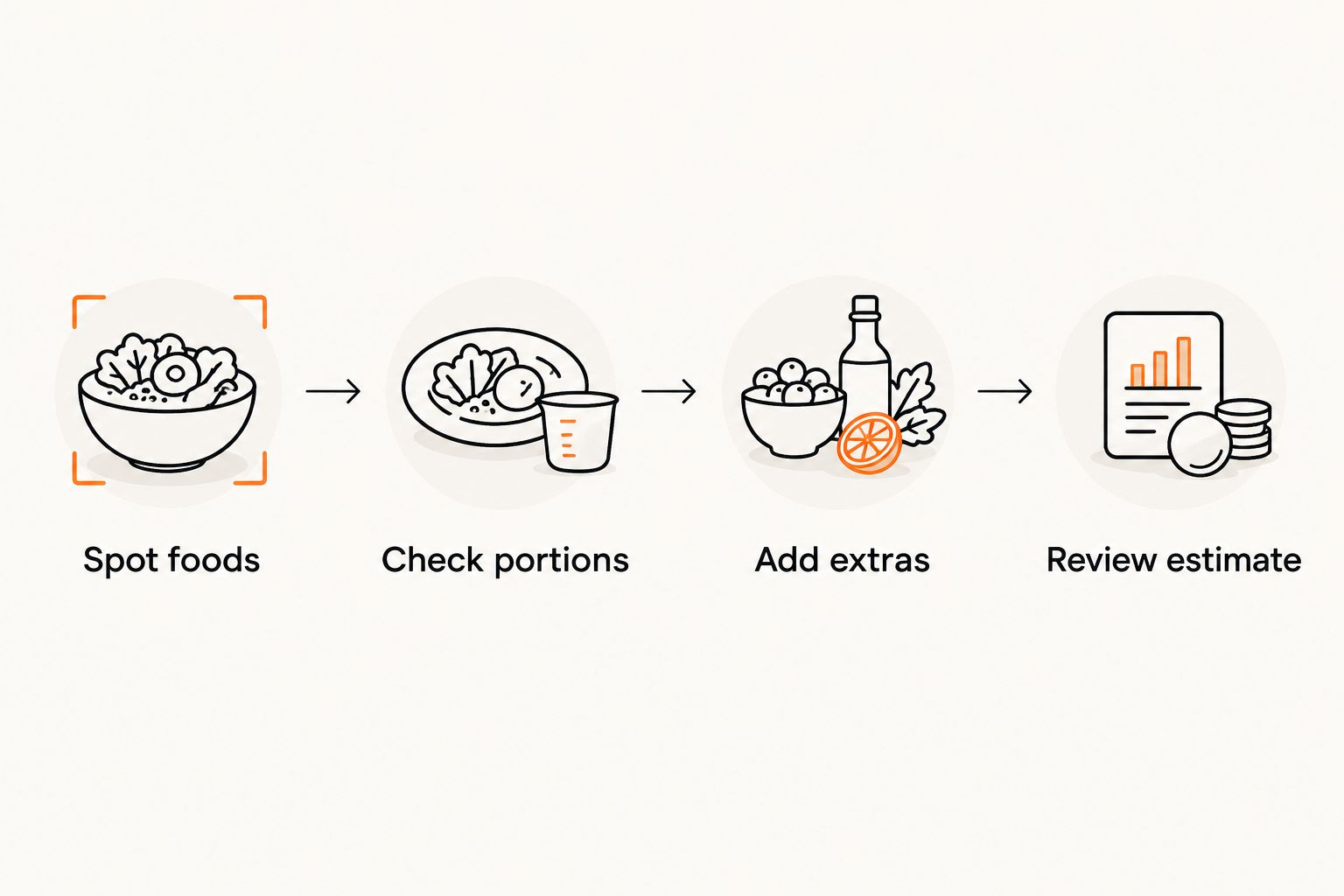
A better input is more useful than a more impressive-looking total. Use the same short check whether you start with a photograph or a food search.
- Spot foods: Identify the separate parts of your meal instead of treating a mixed plate as a single obvious item.
- Check portions: Review the amount you actually ate. A correct food name with the wrong quantity still gives the wrong estimate.
- Add extras: Account for cooking fats, sauces, toppings, and drinks that are easy to overlook.
- Review estimate: Ask whether the result fits the meal before using it to guide another decision.
These checks belong in your 2026 routine regardless of the app you choose. A photograph shows visible food; a manual entry records what you select. Neither automatically captures everything that went into preparation.
There is also a reason to notice cooking fats. Standard energy factors assign 9 calories per gram of fat, compared with 4 calories per gram of protein and 4 calories per gram of carbohydrate. These are general nutrition calculation factors, not a promise that a photo can measure those grams.
You do not need to calculate every meal by hand. The point is that a small-looking ingredient can affect the estimate, so visible plate size is not the whole story.
How this ranking works
This 2026 ranking prioritizes usable free logging, daily effort, nutrition detail, and clear limitations. It compares the apps by distinct use case rather than claiming that one app produces the most accurate result for every meal.
Photo-first logging gets the default recommendation for people who want less typing. Nutrient detail, manual food selection, and goal-focused diaries each earn their own place because they serve different routines.
This is not a controlled accuracy test. Accuracy depends on the meal, the entry, the portion, and the information available about preparation.
Which free calorie counter app should you choose?
Choose Ashfuel if you want a calorie counter that starts with a meal photo rather than a food search. That is the clearest default for someone whose main obstacle is the effort of recording a meal.
Choose Cronometer for nutrient detail, MyFitnessPal for a conventional manual diary, or Lose It! for a goal-focused record. Pick the workflow you can use calmly and consistently—not the one with the longest list of features.
Snap your plate
Try photo-based calorie and macro estimates. No card or app store download needed.
FAQ
What's the best free calorie counter app in 2026?
The best choice depends on your logging routine: choose photo-based tracking for less typing, Cronometer for nutrient detail, MyFitnessPal for a conventional diary, or Lose It! for goal-focused logging. Check that the current free features cover the method you want to use.
Can I count calories by taking a picture of my food?
Yes, a meal photo can provide an estimated calorie and macro breakdown. Review portions and ingredients because a photograph cannot reveal every cooking fat, sauce, or hidden layer.
Is photo calorie tracking better than manual logging?
Photo calorie tracking is better for reducing food-entry effort, while manual logging gives you direct control over selected foods and quantities. Neither method guarantees accuracy when portions or ingredients are uncertain.
Which free calorie counter is best for vitamins and minerals?
Cronometer is the nutrient-detail choice in this shortlist. Its usefulness still depends on selecting appropriate foods and entering amounts that match what you ate.
Do I need a food scale to use a calorie counter?
No, you can keep a food record without a scale. Weighing ingredients gives you a measured quantity instead of a visual guess, but it does not correct a mismatched food entry.
Can a calorie counter tell me exactly what I should eat?
No, a calorie counter records or estimates food intake; it does not provide an individualized medical assessment. For medical conditions or concerns about your relationship with food, seek guidance from a qualified health professional.
What should I check before trusting a meal estimate?
Check the food identity, portion, cooking fats, sauces, toppings, and drinks. A plausible total is not proof that every ingredient was included.
One last thing
Two plates can look almost identical and contain different amounts of cooking oil. That difference is not a failure of your effort; it is a limit of what a photograph can show.
For 2026, make this your rule: check the inputs before reacting to the total. Keep useful estimates, correct obvious mismatches, and let an incomplete log stay incomplete. These apps support a record of your eating—not a judgment of it. Estimates are not medical advice.